Key Art
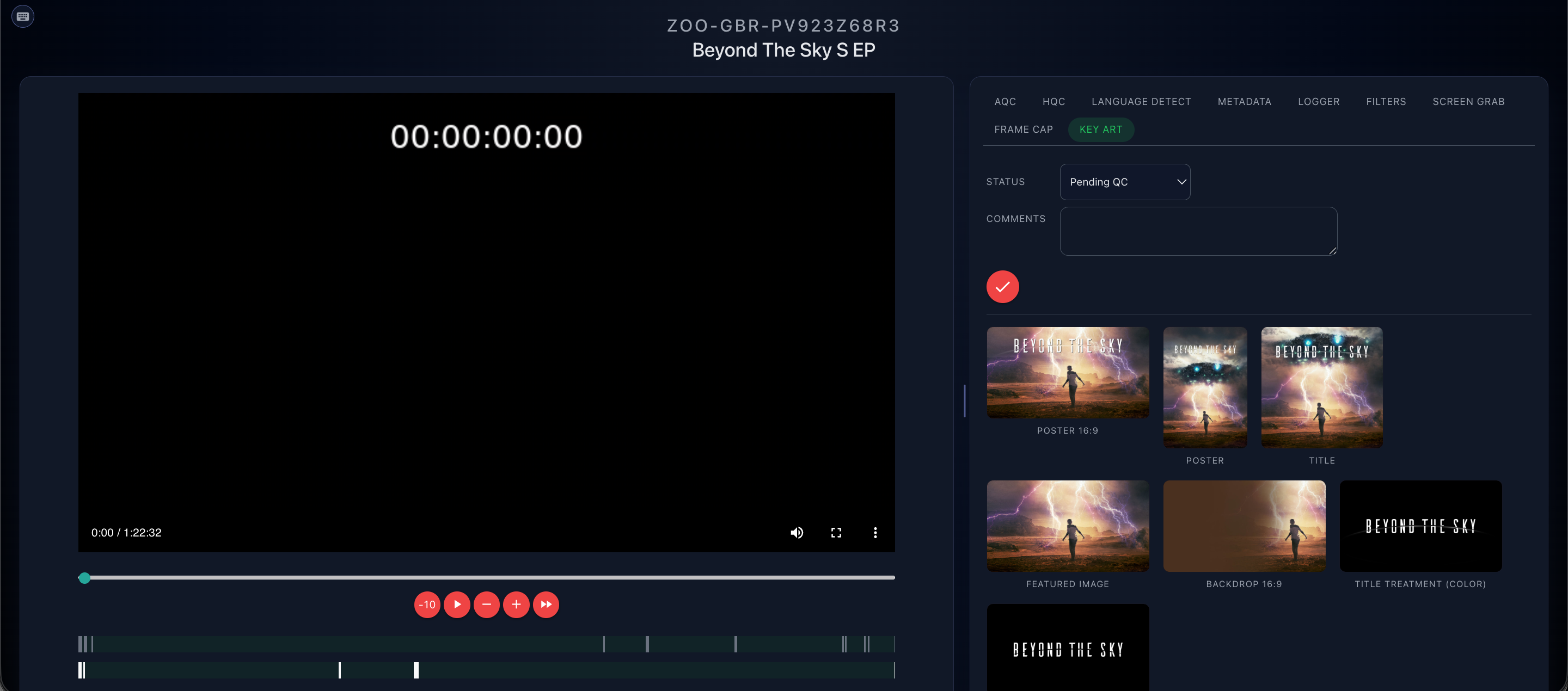
The Key Art tab allows you to view the Key Art associated with the Series/Feature loaded.
See Key Art QC Guidelines for more information on QC processes.
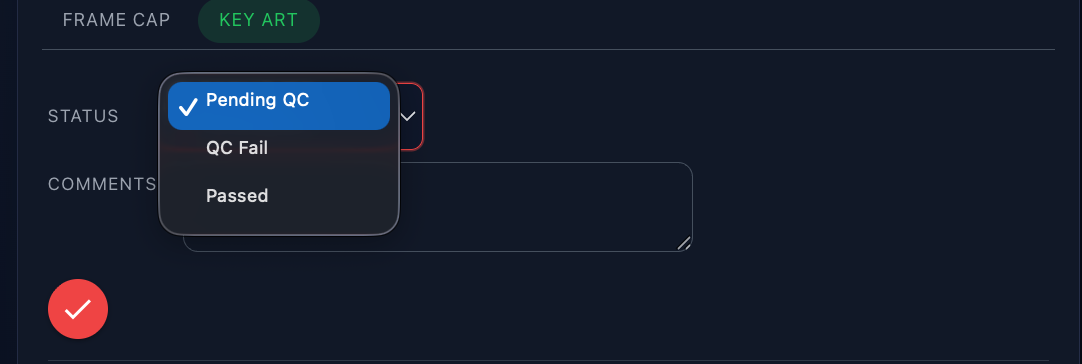
There is a status drop down and comments field; once any comments/status changes have been made, the tick will need to be clicked.
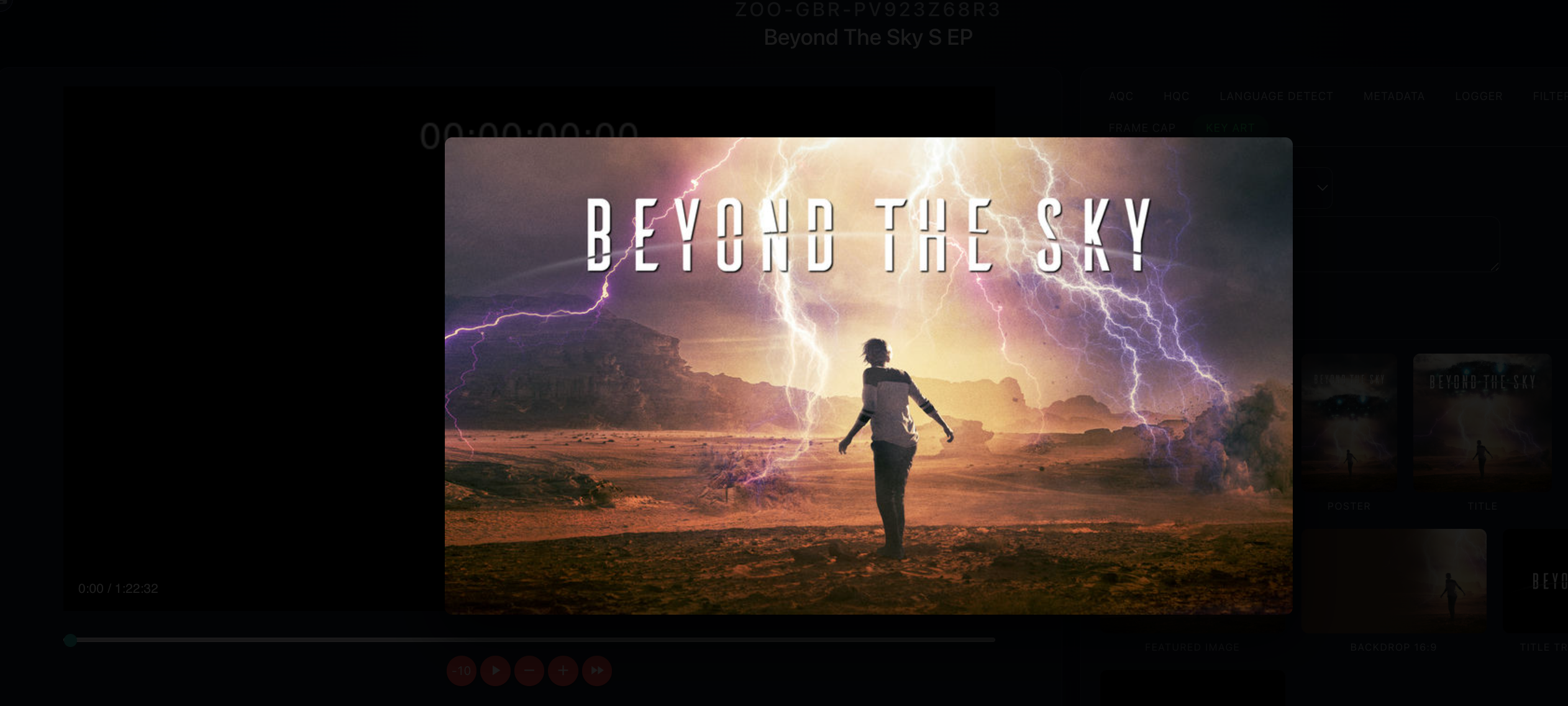
A preview of each piece of Key Art is created and can be enlarged by clicking.
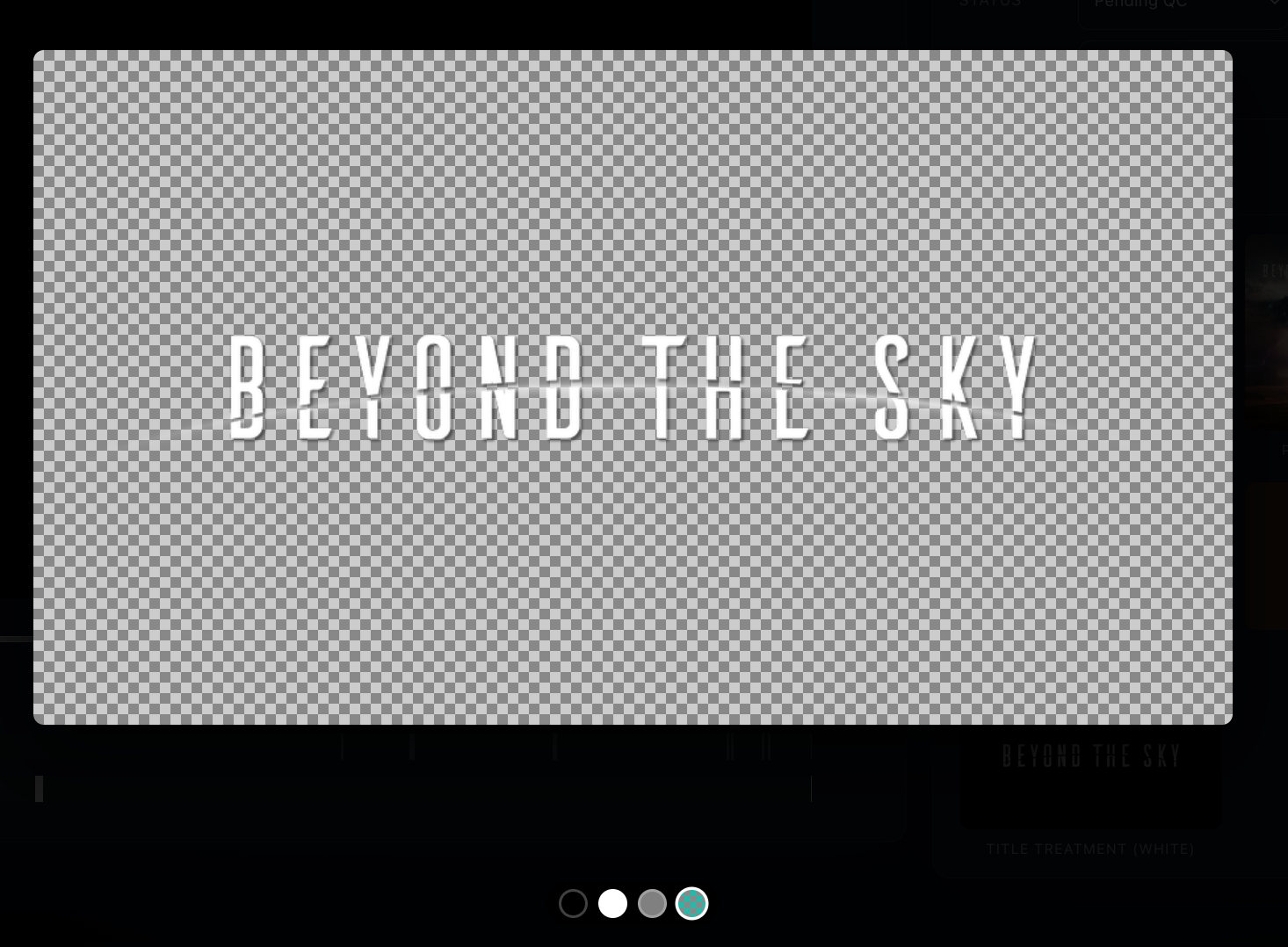
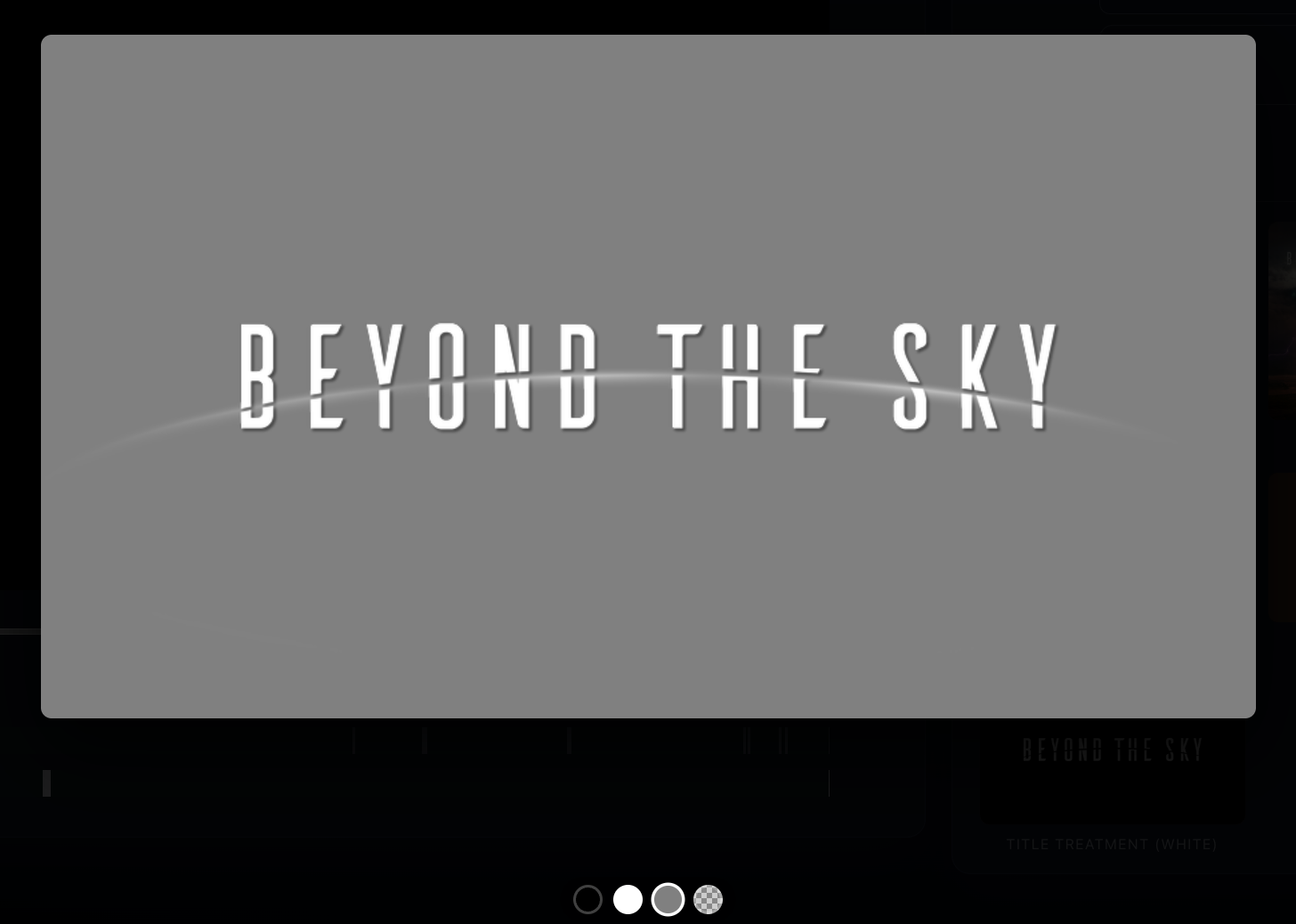
For Title Treatment, the background can be changed between Black/White/Grey/Checkerboard in order to preview correctly.
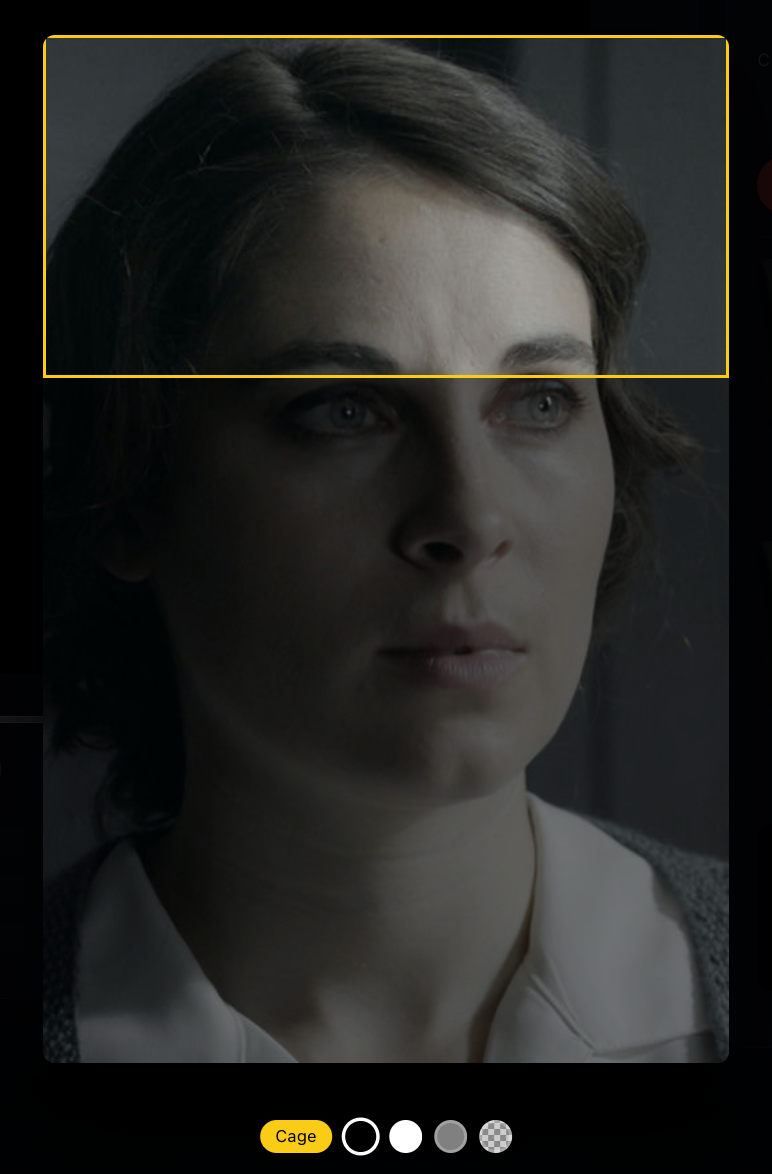
There is a cage feature available on Vertical Featured as the focal point must be in the top third of the image.