Cape - Auto Ingest
Orders from Cape should auto ingest and create a reference for validation within our interface.
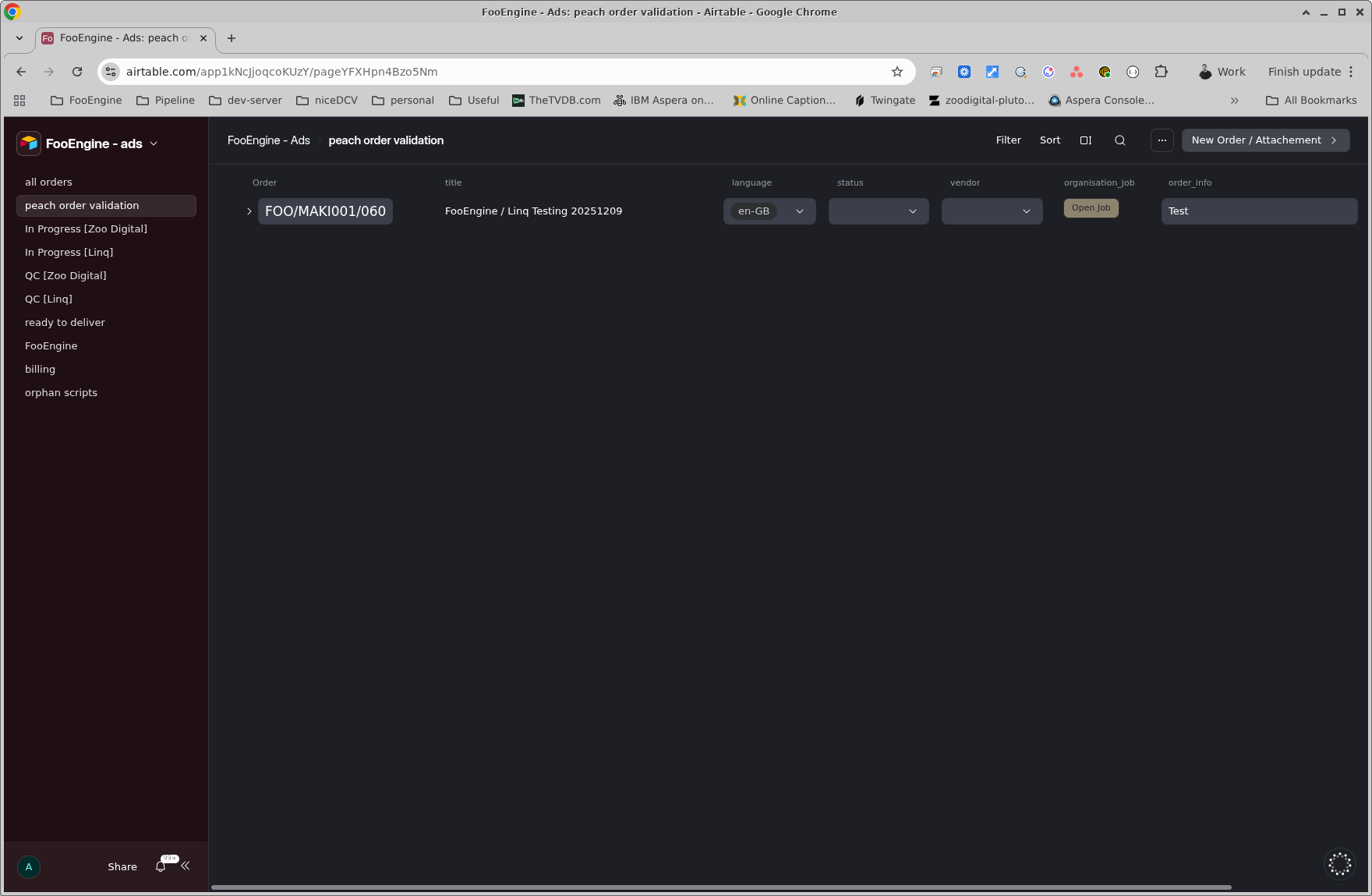
If you drop down the order, you will see the attachments. As a minimum there should be a proxy attached. In an ideal world there will also be a script.
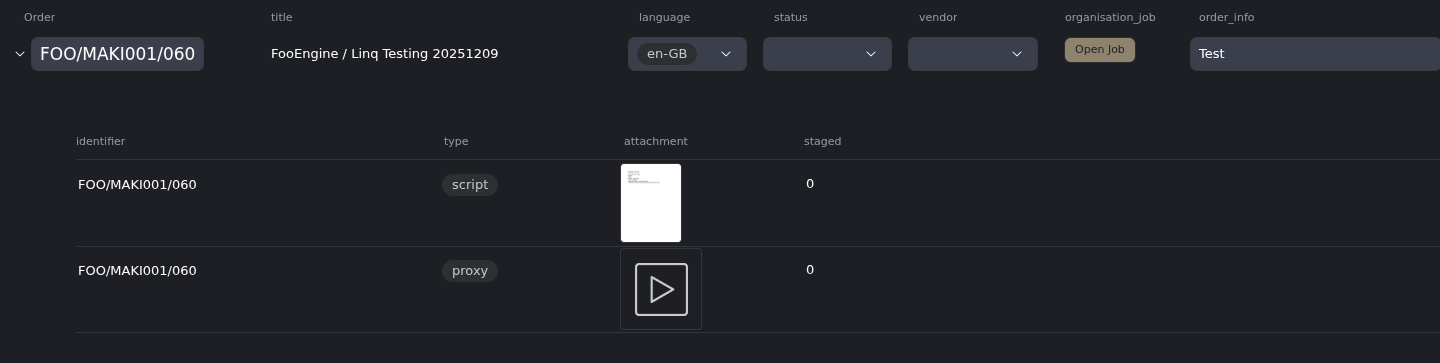
You will see the field staged will say 0, this means that the files have not yet been made available to any external vendor. This will change to 1 as part of the order initialisation once a vendor is selected for the order.
For Zoo Digital - staging is a one step process that puts a copy of the files in an S3 bucket that Zoo Subs has access to.
For LinQ - there is an additional step; the proxy, and script if available, will be made available in a bucket for LinQ's Ooona manager to access. But there is also another process that will create a dat file which is required by Ooona for things like shot changes and audio waveforms. This should only take a couple of minutes (max) before the order starts fully initiating.
For LinQ the order should be fully initiated within a few minutes. Once it's ready an email notification will be sent, and a notification in the #linq slack channel.
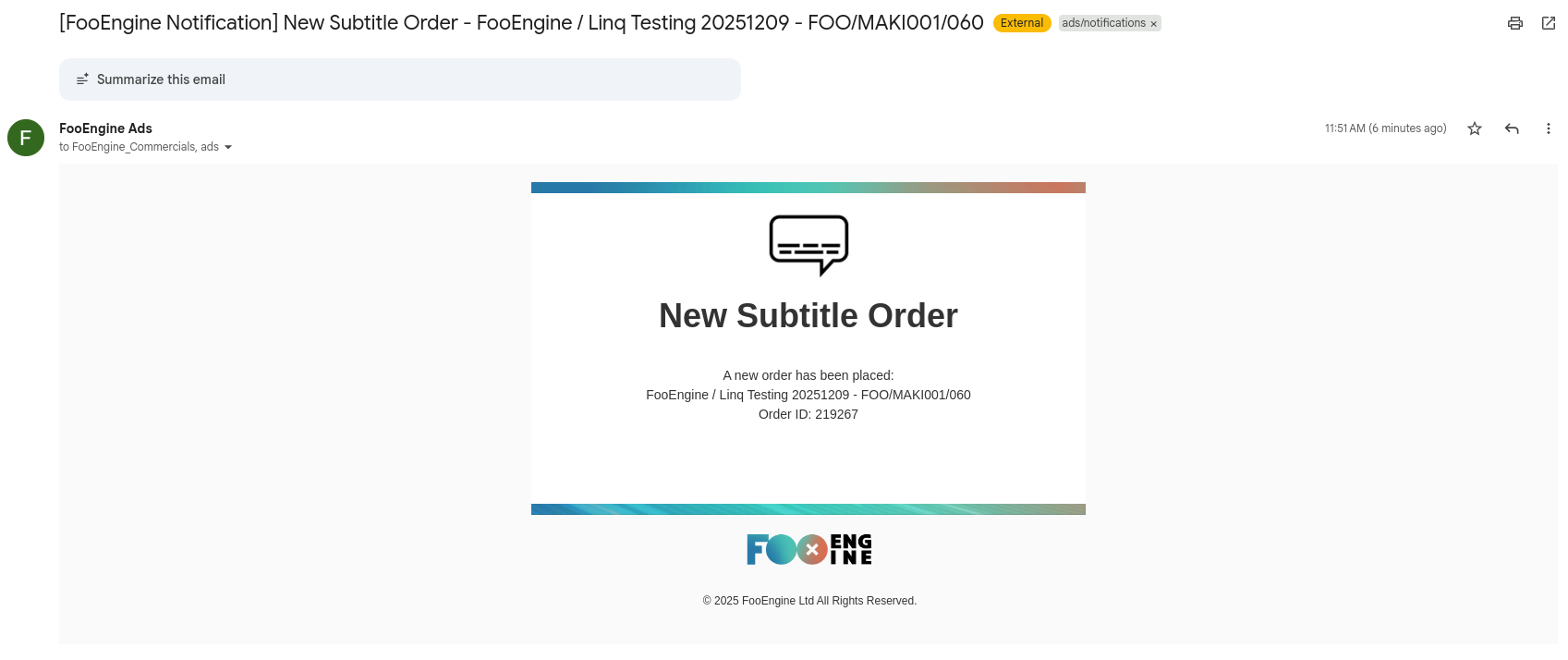

For Zoo Digital the order could take 5-10 minutes to fully initiate, at which point an email notification will be sent.
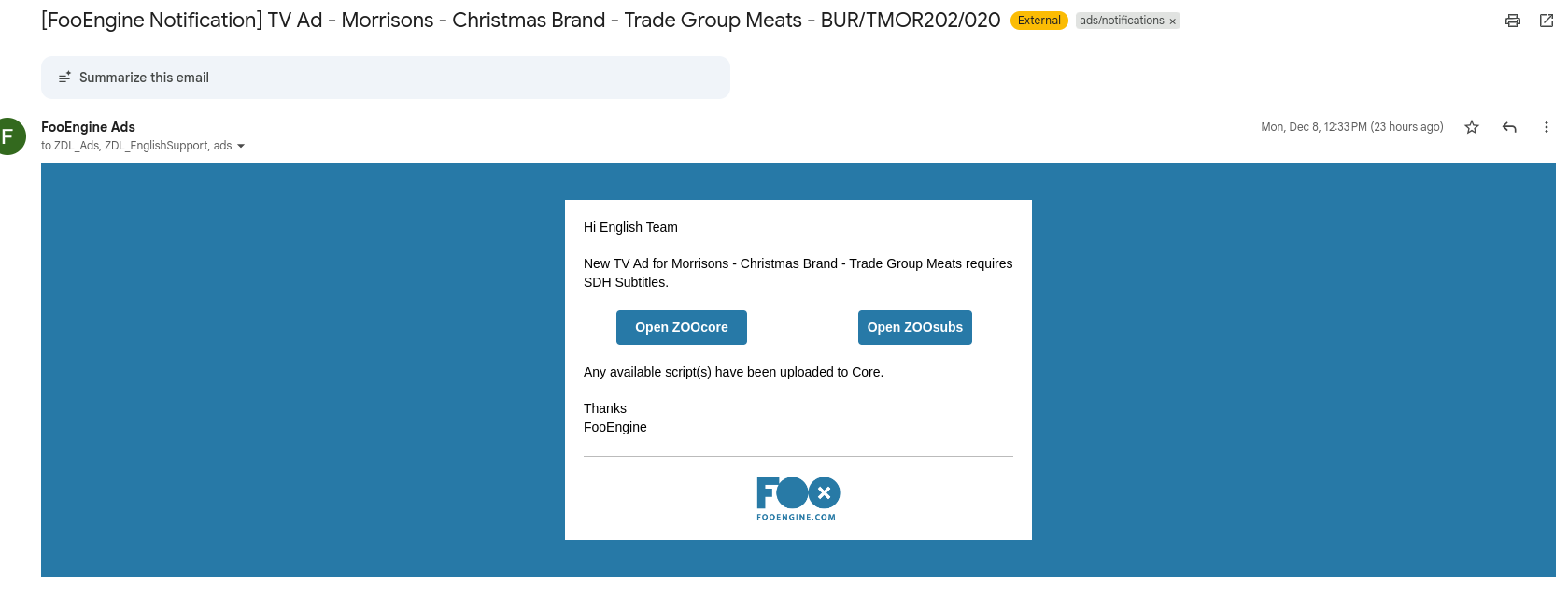
In either case, if the notification(s) has not been received within expected time frames, escalate.