QC - LinQ
LinQ use Ooona Manager as their ordering system, and QC will be done in the Review section of Tools.
Unfortunately we are unable to link directly to a particular job, so when we get an alert that something is ready for QC you'll need to find the pending task within Manager.
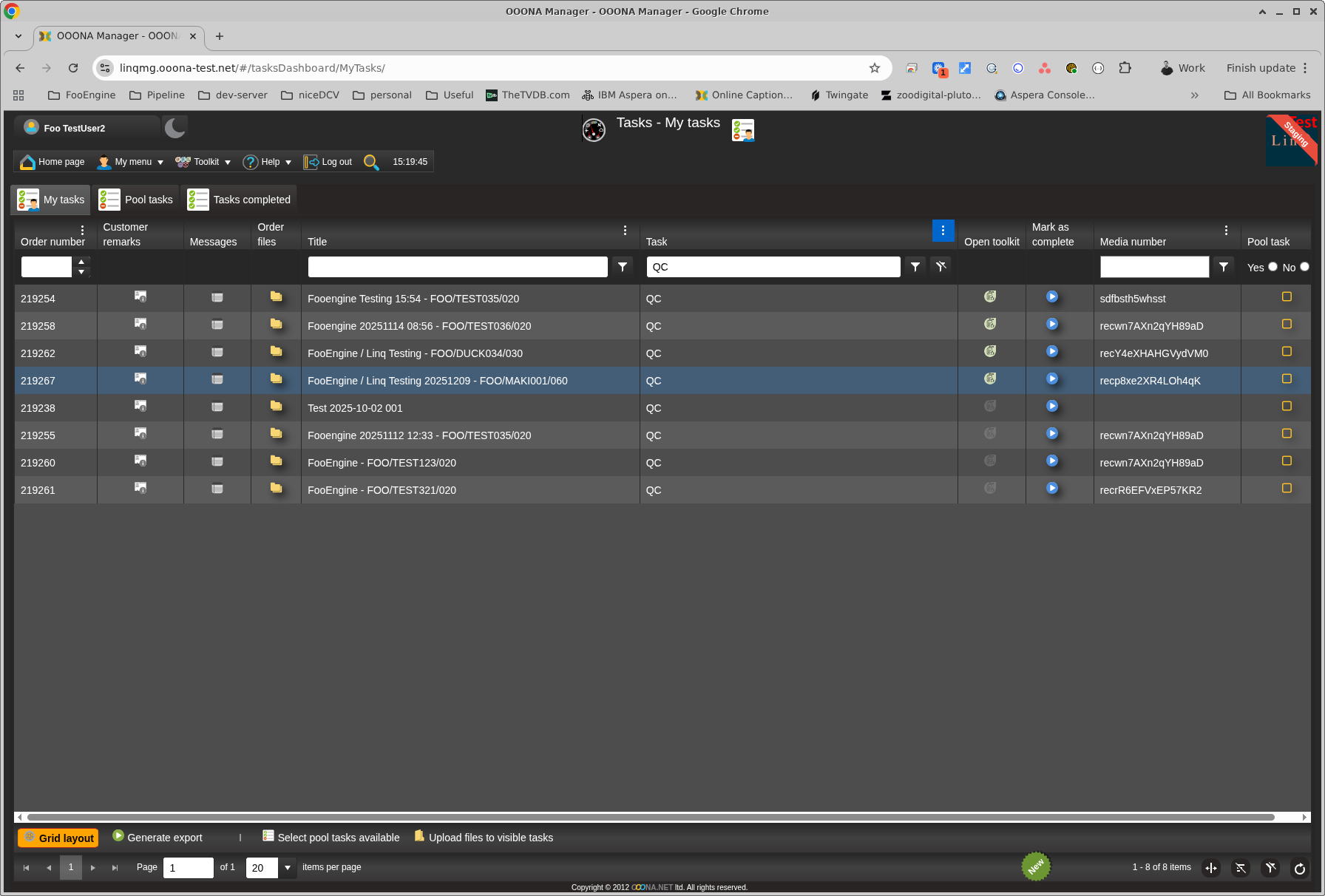
To open up Review to carry out QC click the icon in the Open Toolkit column.
It will look like it isn't doing anything, but it's loading so don't click it again 🙂
Once it loads you will be presented with the QC interface.
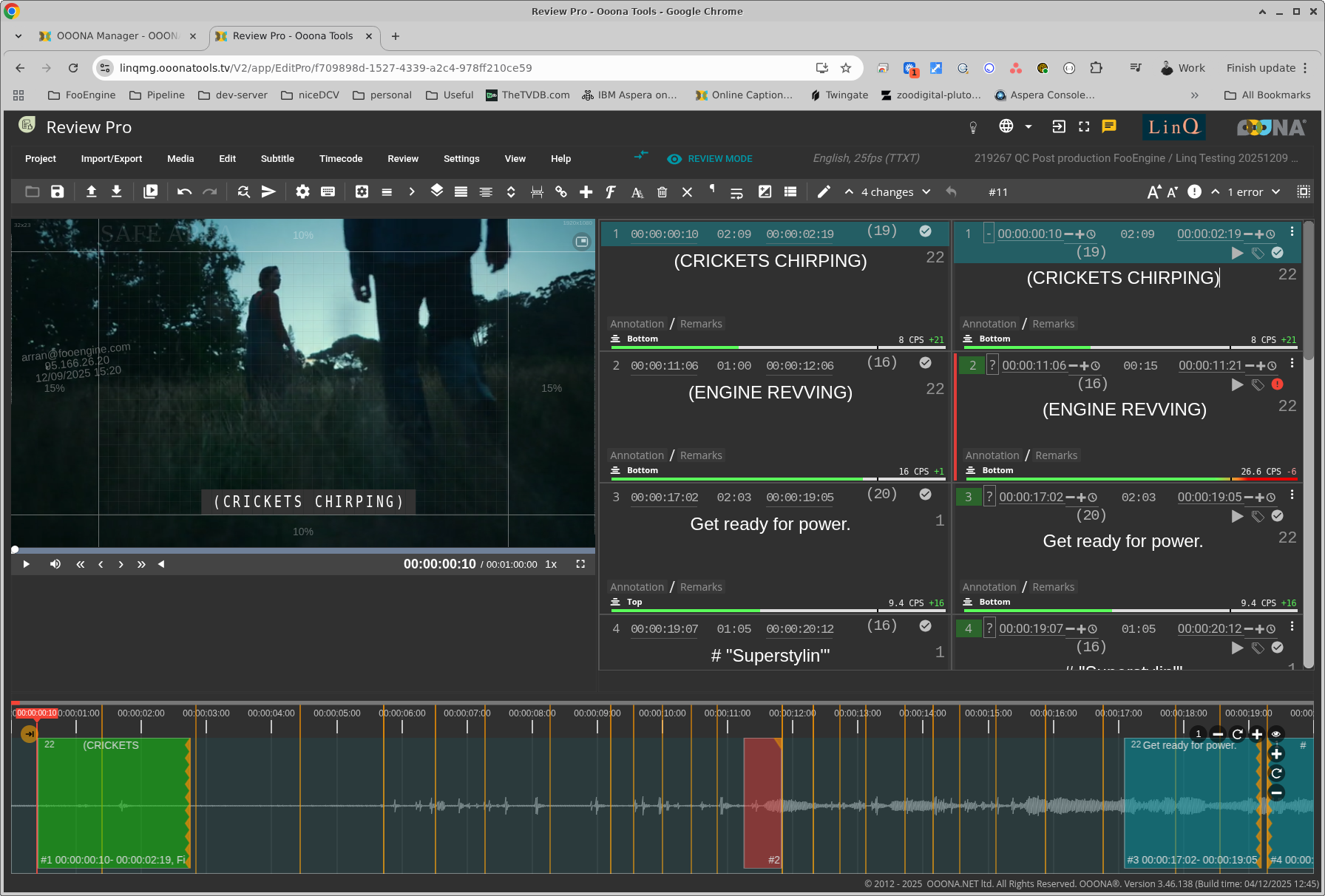
Once QC is complete, you'll need to Finish the project. Which will complete the QC task.
This is under Project > Finish project.
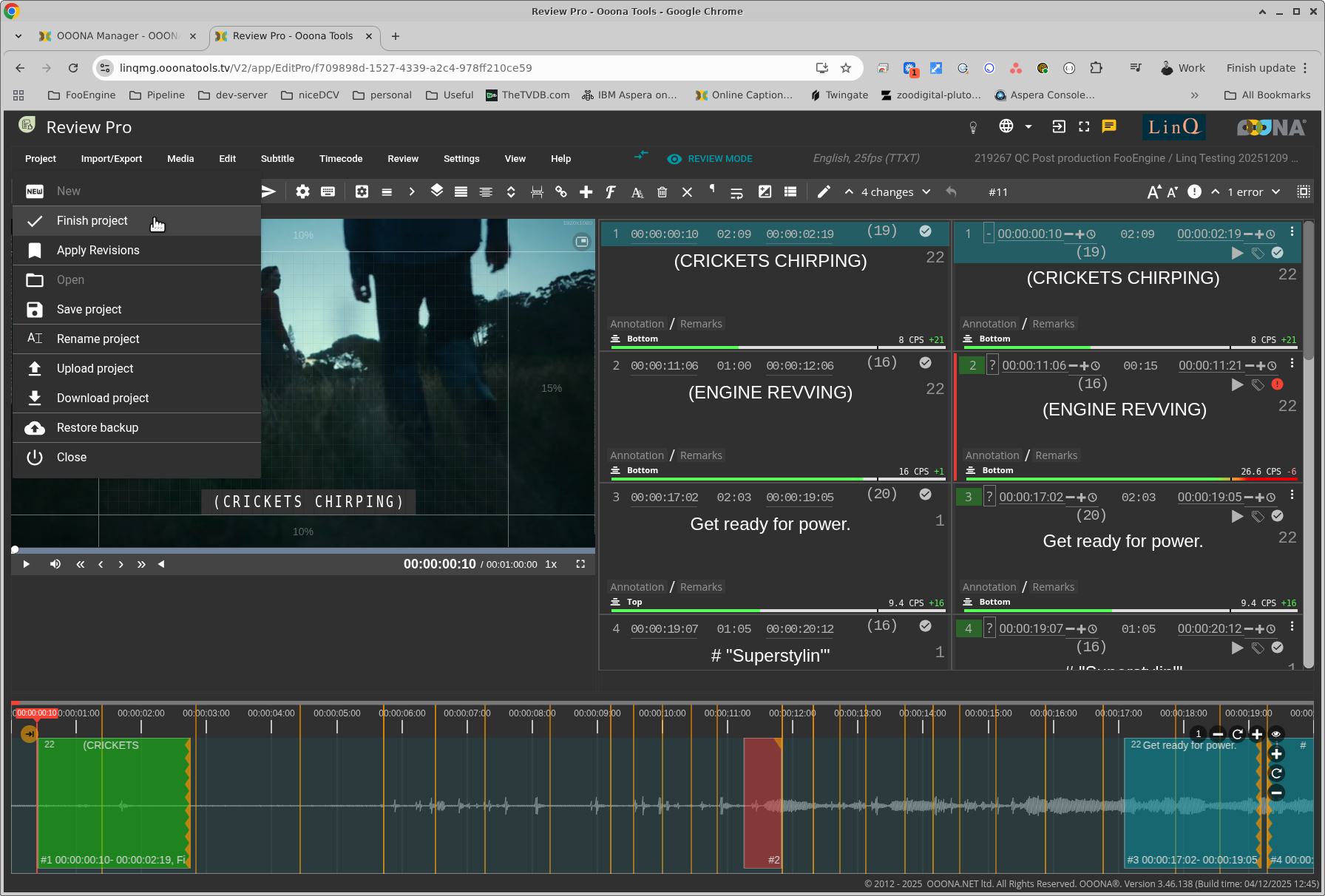
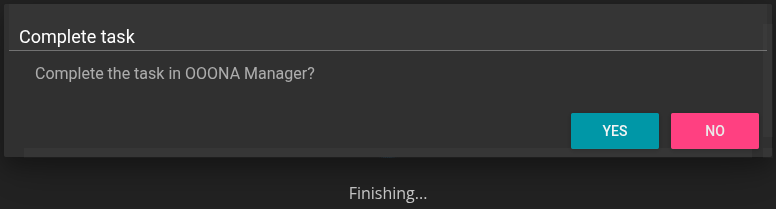
Select YES on the pop up option to confirm you want to finish it.
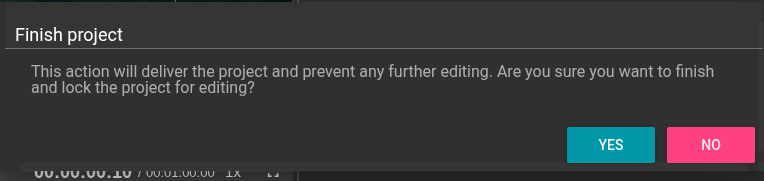
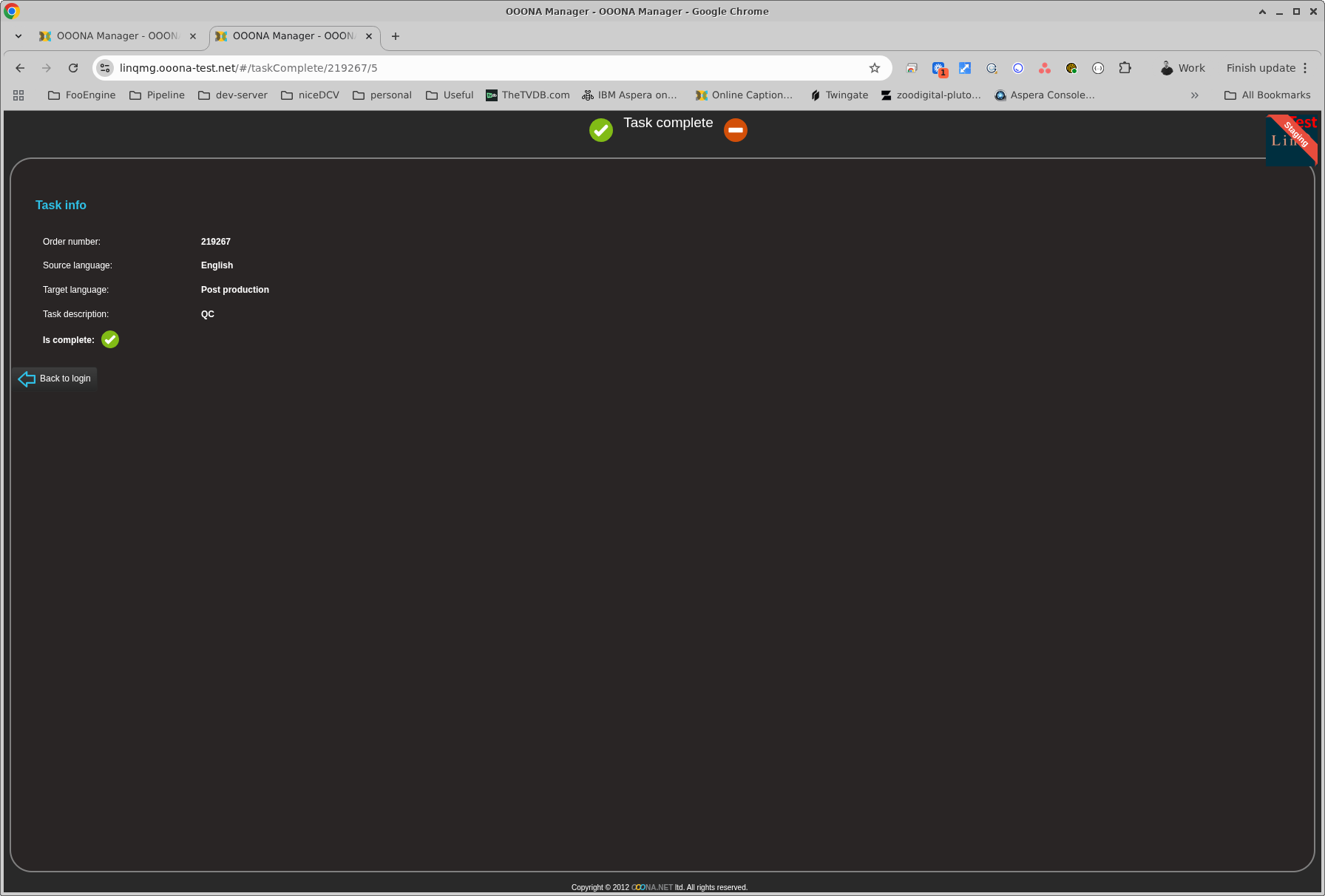
and then YES on the next one, to update the underlying task within Ooona Manager.