Cape
Orders come in via email.
At present orders need to be manually placed. Once everyone involved is familiar with the process then we will enable automatic raising of order directly from the email notification.
~~Peach~~ Cape have two different email templates depending on how they are masking the fact it's still IMD.
Within the email you will find a link to open up the ~~IMD Peach~~ Cape job to accept it and retrieve the proxy.
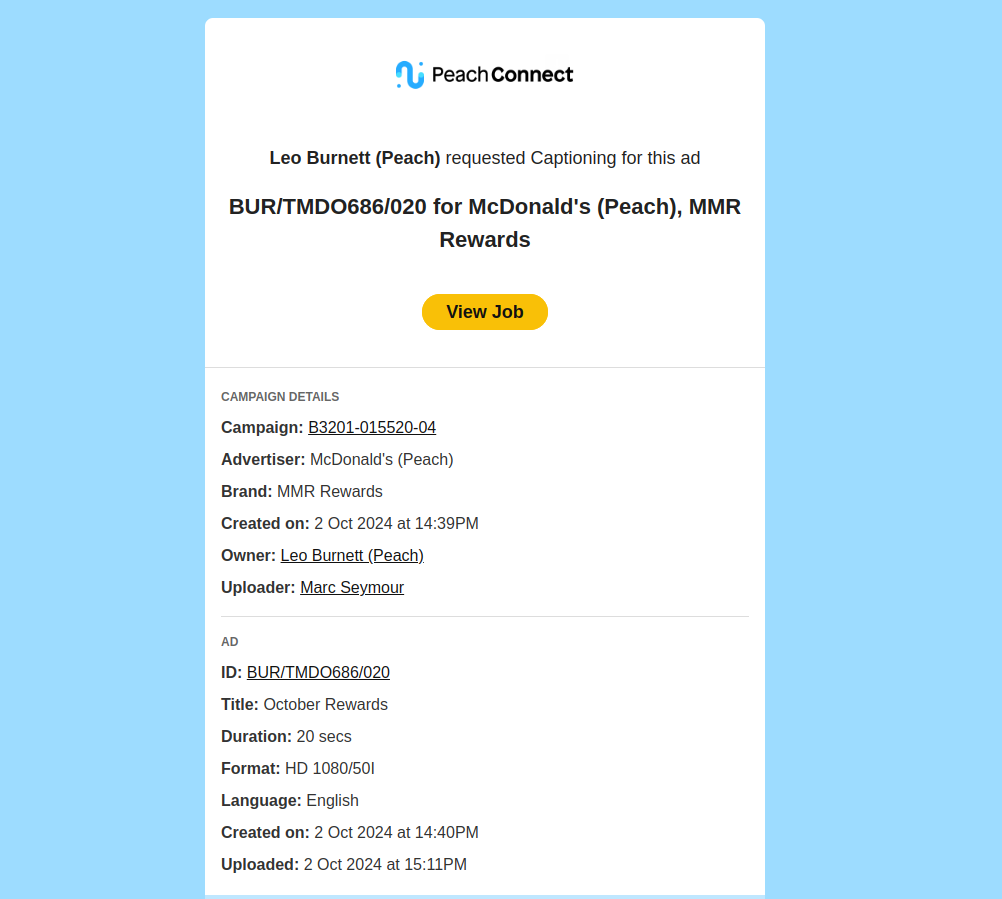
or
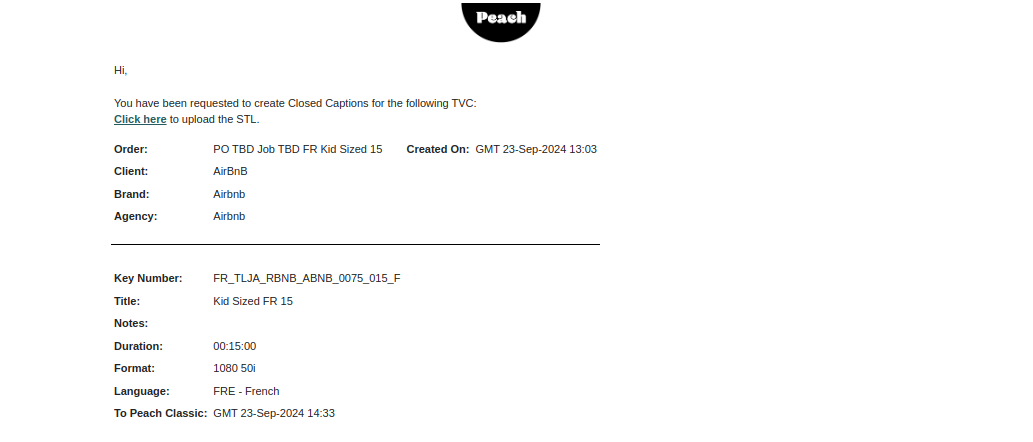
Clicking the link in the email will take you to ~~IMD Peach~~ Cape. If you are required to log in, then the shared user account (ads@fooengine.com) is available in Keeper.
Orders should auto ingest and create an order with us, which will be waiting for validation.
Once logged in you will be presented with a list of "waiting" jobs, these need to be accepted.
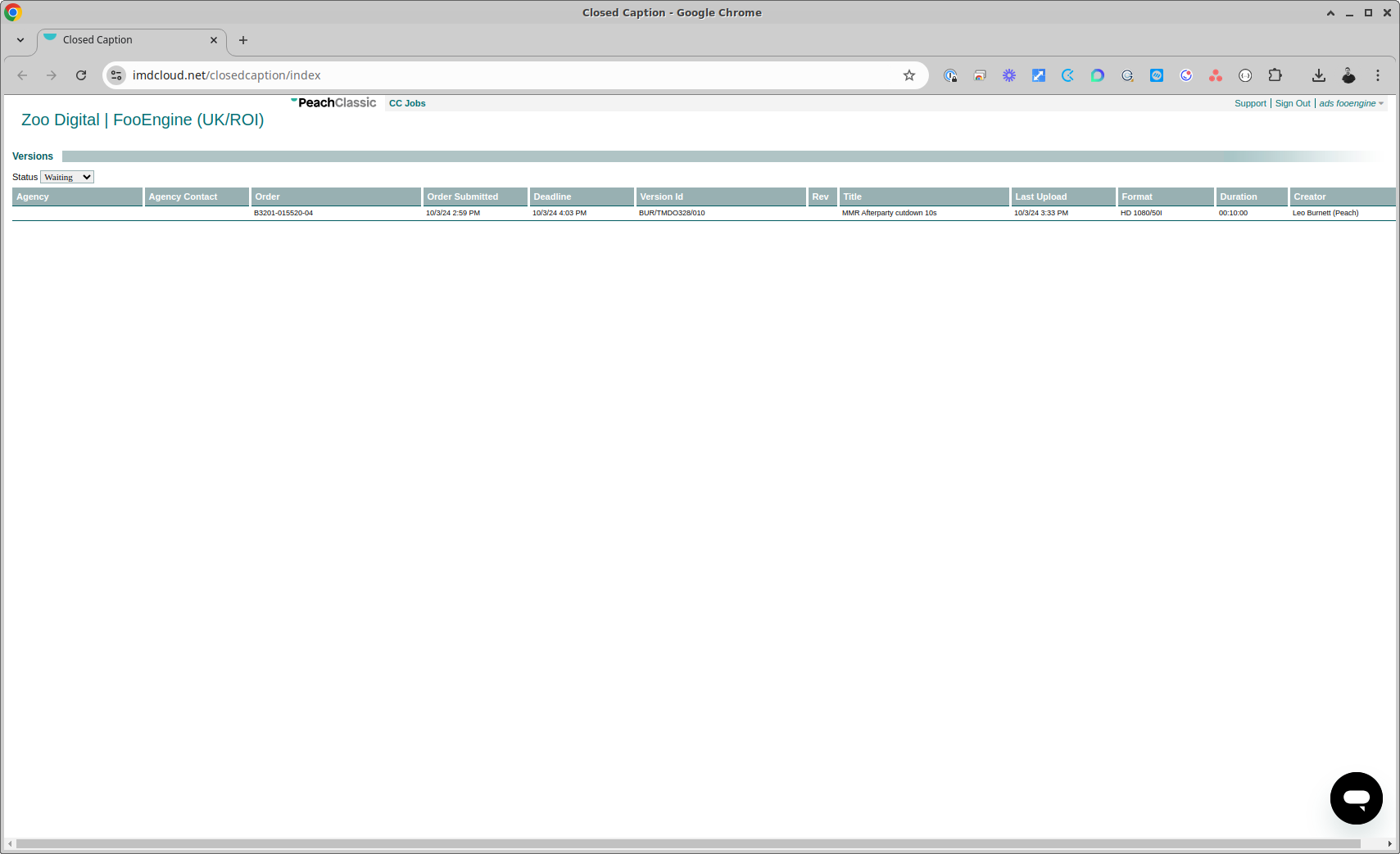
Click a job to open it up.
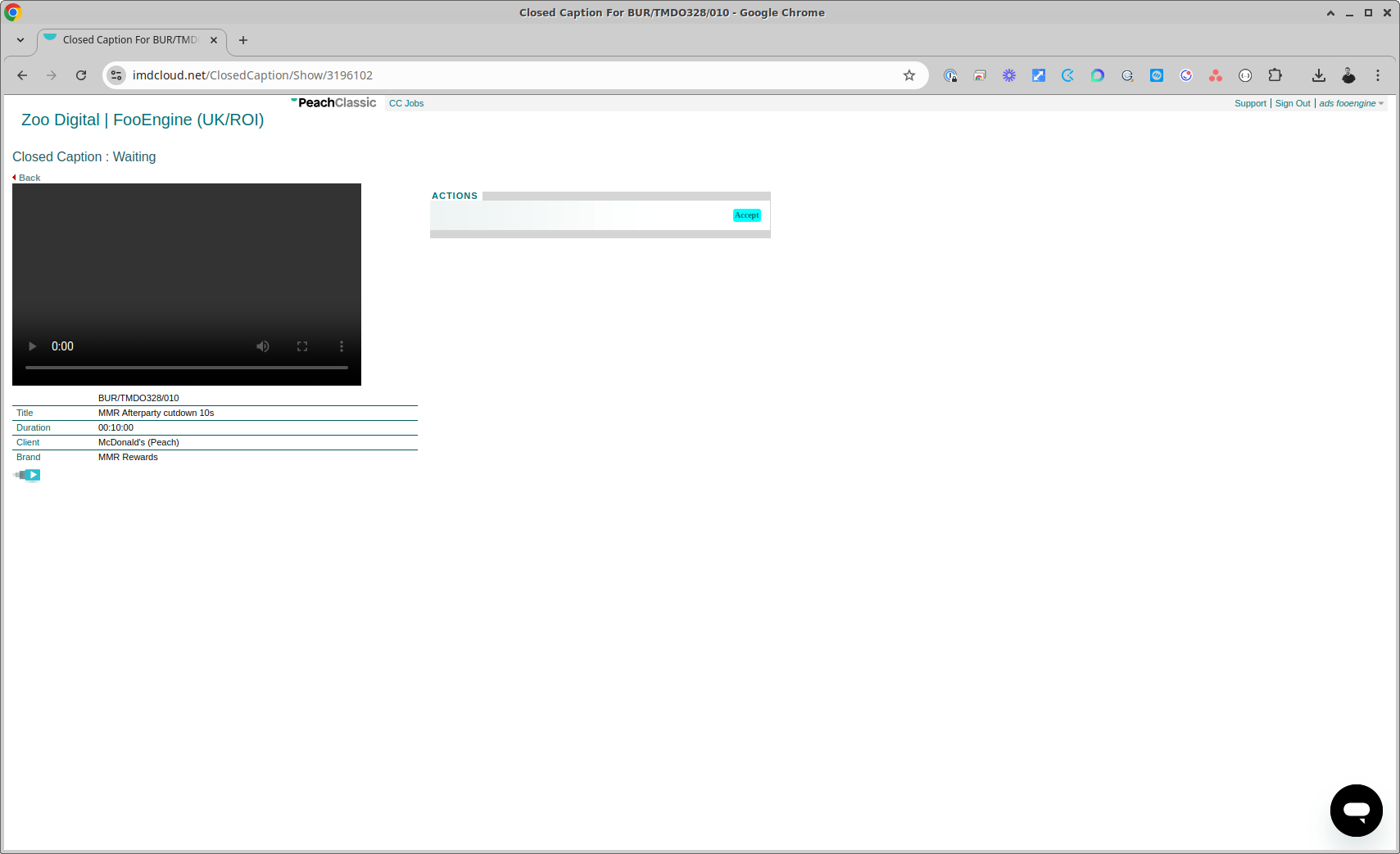
Clicking accept will then display the option to download the video proxy.
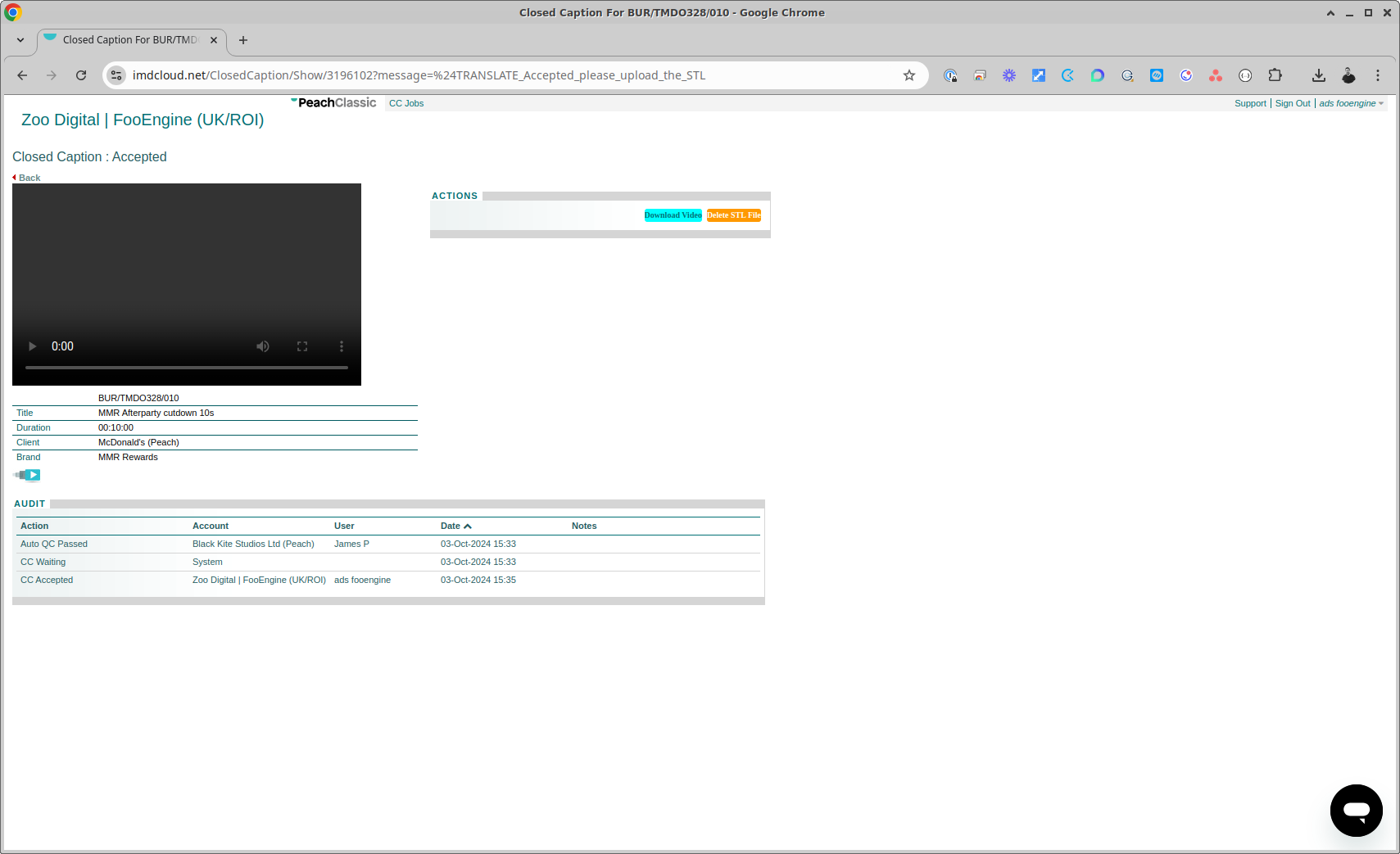
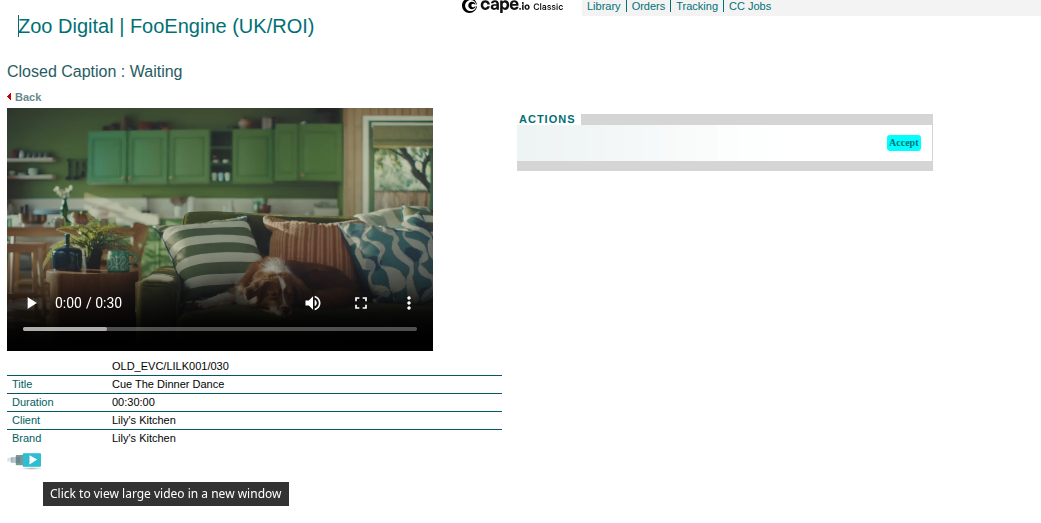
To download the proxy, first enlarge the video by clicking the icon under the info pan that sits under the current video player.
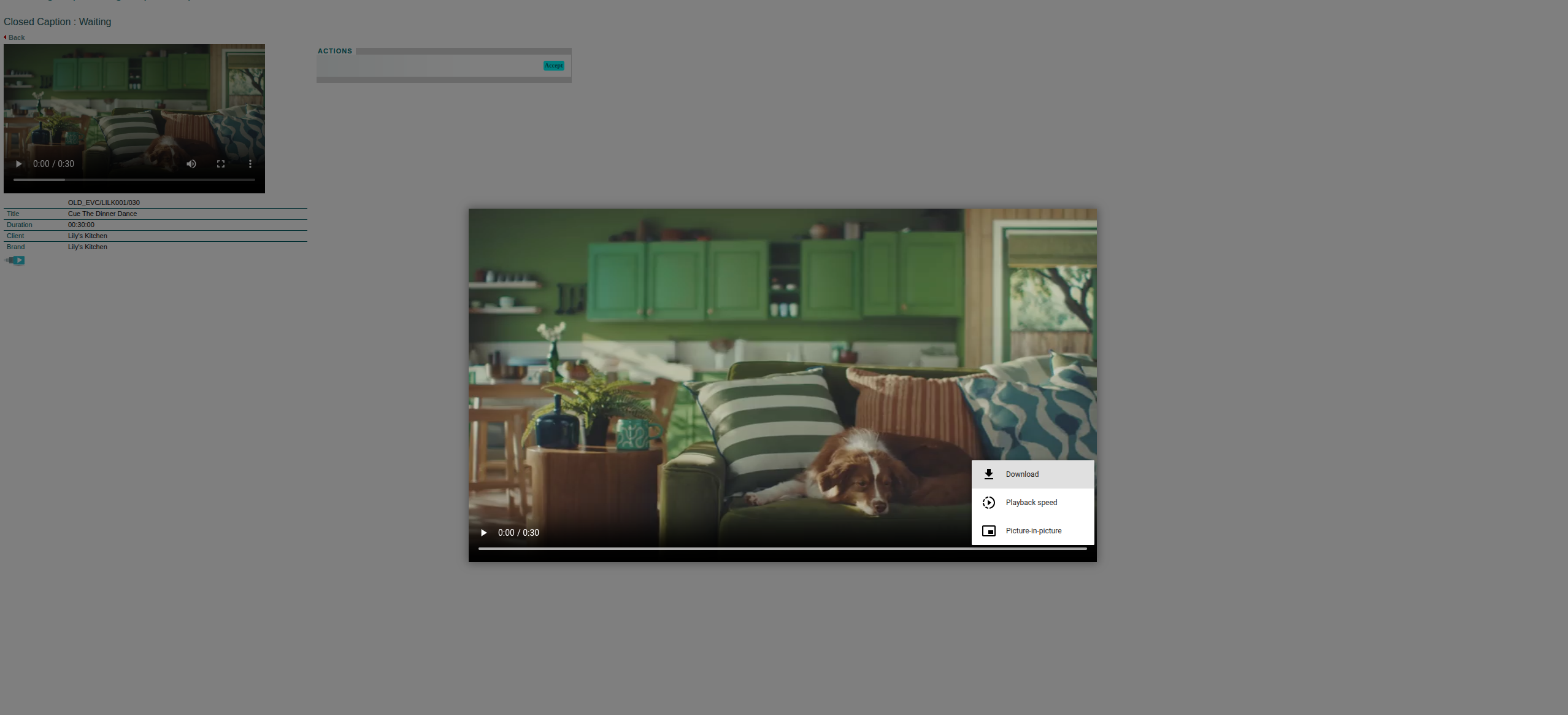
This will open a lightbox with a larger video preview. Hit the three dots in the corner and select download.
You now have all you need to place the order with us.