Placing an Order
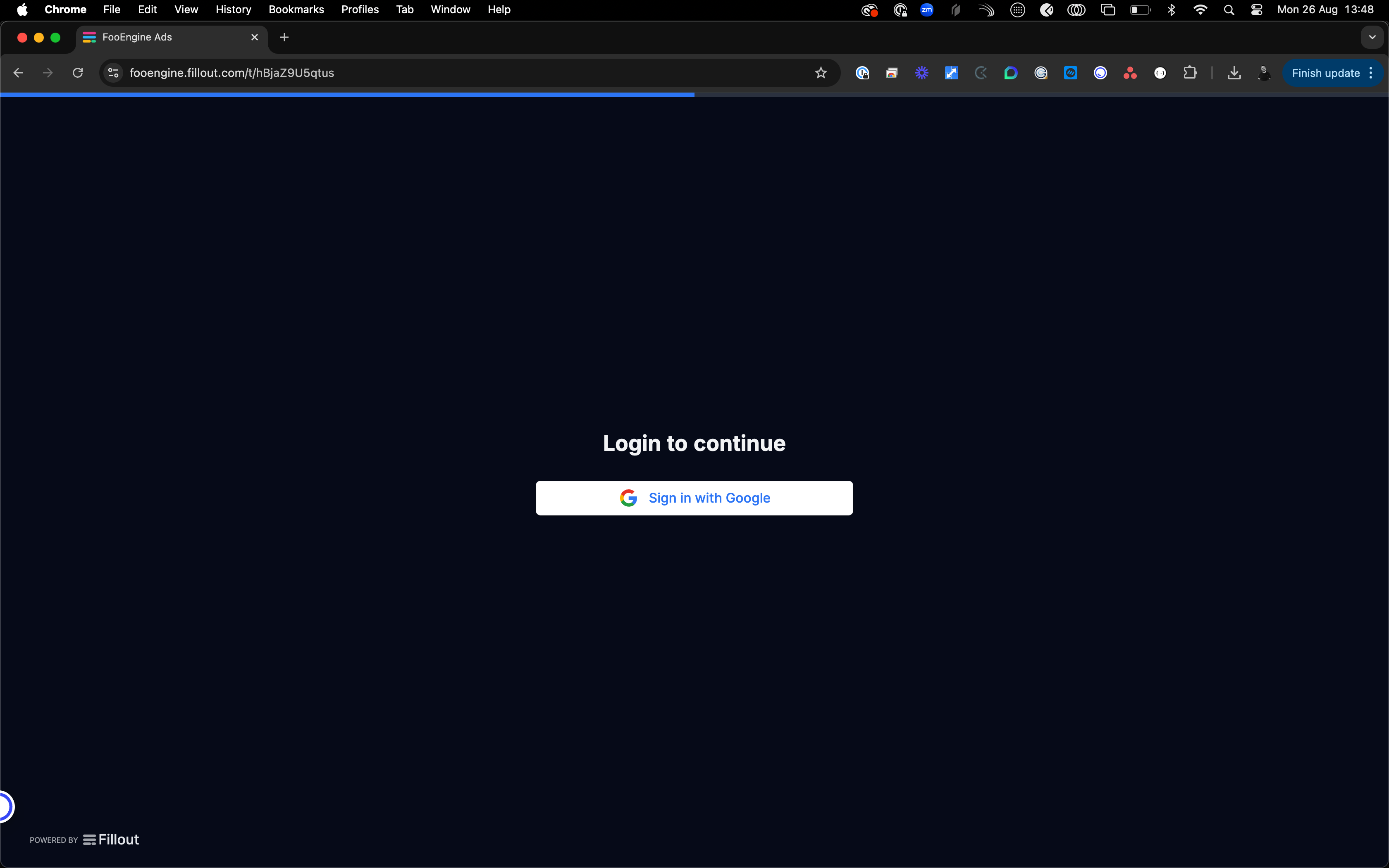
If you have been granted access then you will be able to login via your Google account.
Once logged into you will be asked what do you want to do. Do you want to raise an order or add an attachment.
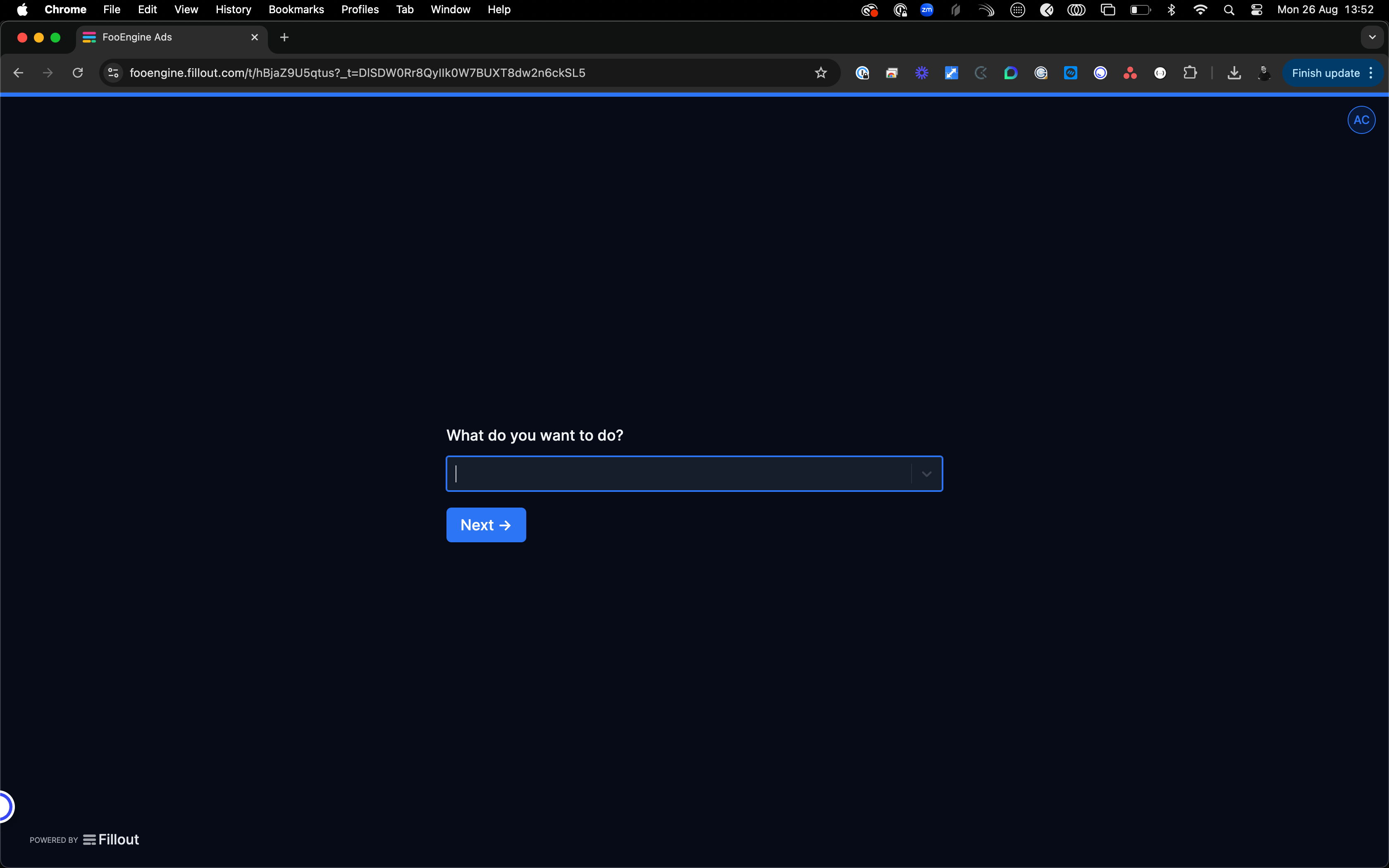
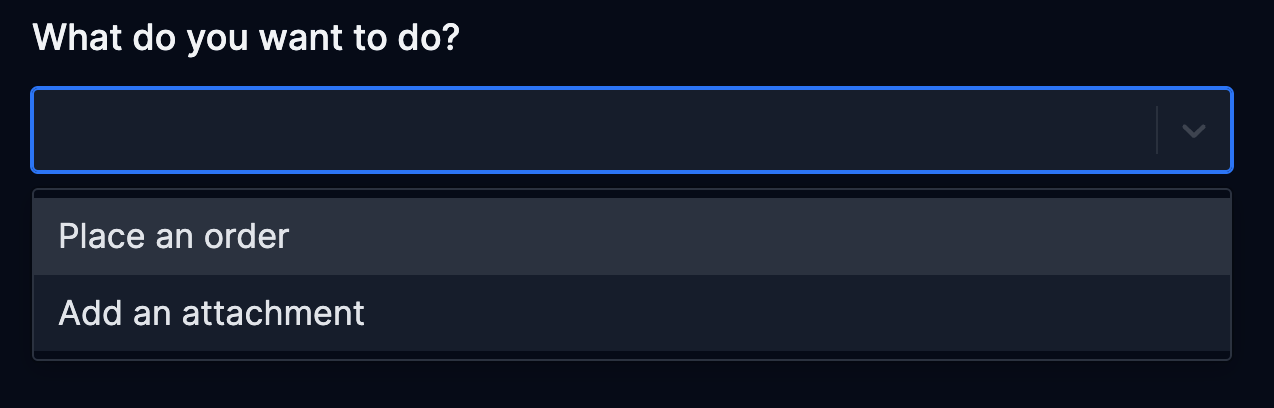
The two options do exactly what they say on the tin. One thing to note is that if you are creating an order you can add an attachment at the same time, so there is no need to use the separate options in that scenario. More often than not a script will be made available the day before the caption order request is made.
Select Place an Order and hit submit. You will be progressed to the next screen to enter the order details.
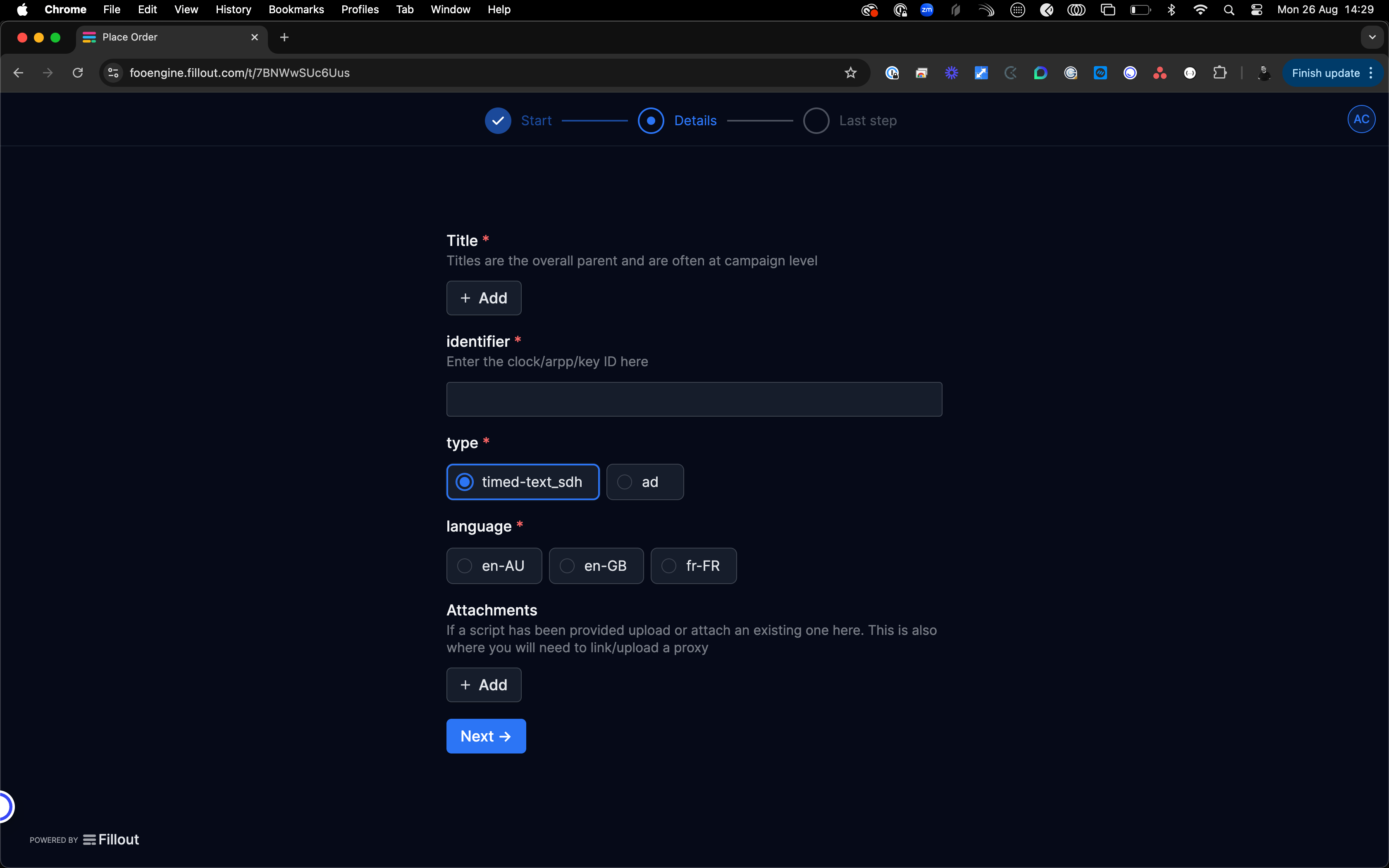
This is the time to add both the script (if available) and proxy to the order. If the script was sent and already uploaded as an attachment it will show when you hit + Add.
To add the proxy, once it has been downloaded from Peach, hit + Add and select create new. Fill in the form to add and upload the proxy.
For the Requesting Job ID field, use the job ID from the ~~IMD Peach~~ Cape job url.
